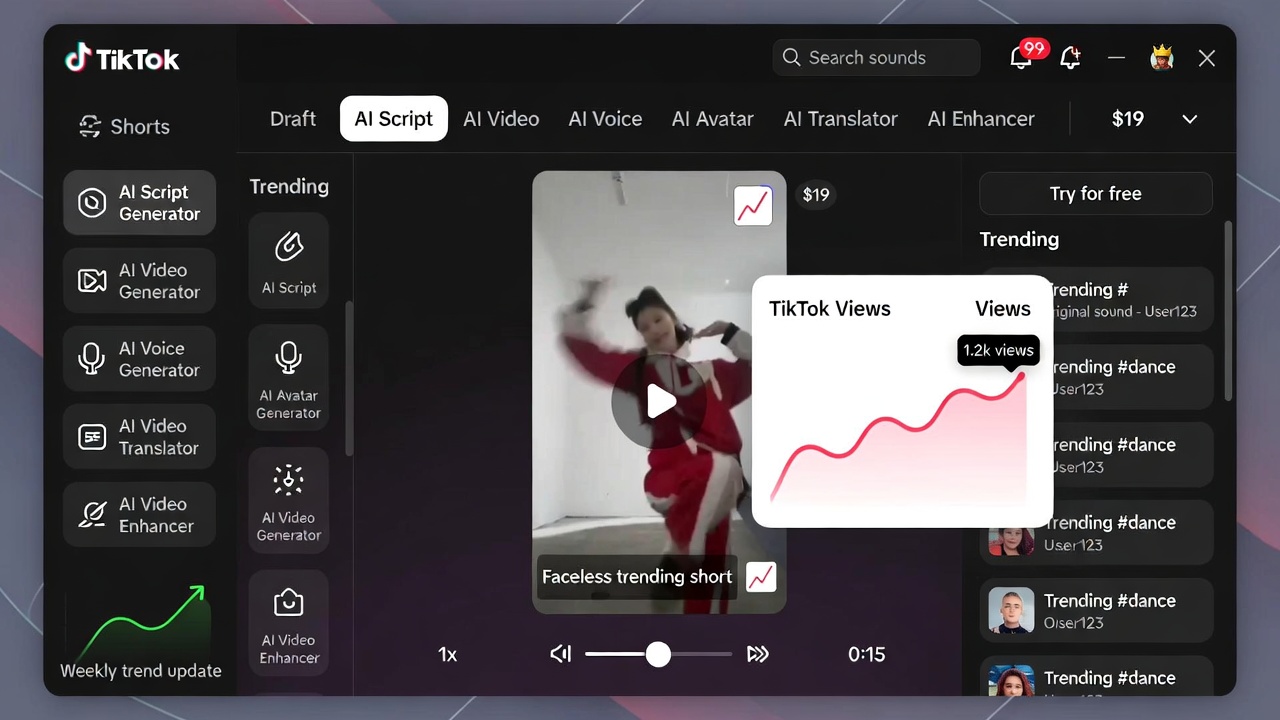



If you’re looking for an easy way to create short-form videos with AI, this Virvid AI review will give you a clear, honest breakdown of what to expect.
After testing multiple AI video tools—some overly complex, others underwhelming—Virvid AI stands out for one main reason: simplicity.
It’s built specifically for creating faceless content for platforms like TikTok, Instagram Reels, and YouTube Shorts—without needing editing skills, expensive software, or hours of work.
But is it actually worth using? Let’s take a closer look.

What Is Virvid AI?
Virvid AI is an all-in-one AI video generator designed to help you create short-form content quickly.
Instead of juggling multiple tools, it handles:
- Script generation
- Visuals and animations
- AI voiceovers
- Captions and music
The goal is simple: help beginners and busy creators post consistent content without getting stuck in complicated workflows.
My Experience Using Virvid AI
One thing that stood out right away is how fast everything works.
You enter a topic, choose a style, pick a voice, and within a couple of minutes, you have a finished video ready to post.
Compared to more advanced tools like ComfyUI, which can require a lot of setup and technical knowledge, Virvid feels almost effortless.
That said, the trade-off is control. You’re working within templates, so while it’s fast, it’s not as customizable as more advanced platforms.
Key Features
Fast AI Video Creation
Virvid can generate a complete short-form video in under two minutes. This makes it easy to batch content and stay consistent.
Built-In Styles and Templates
You can choose from different content styles like:
- UGC-style videos
- Storytelling formats
- Motivational clips
- Trend-based formats
AI Voices and Multilingual Support
With 30+ voices and support for multiple languages, it’s easy to create content for different audiences.
Auto Captions and Effects
Captions, animations, and transitions are automatically added, which is a big time-saver.
Background Music Library
Access to a large library of copyright-free music helps complete each video without extra tools.
Pros and Cons
✅ Pros
- Extremely beginner-friendly
- Fast video generation
- Affordable entry-level pricing
- All-in-one platform (no extra tools needed)
- Great for faceless content
❌ Cons
- Limited customization compared to advanced tools
- Content can feel template-based over time
- Not a guaranteed way to grow a social media account
Pricing
Virvid AI keeps pricing simple and accessible:
- Lite Plan: Starts at $39/month (about 60 videos)
- Standard Plan: Around $69/month (higher output)
There is also a Pro Plan, but for beginners, start at 1 of the smaller plans as you can always upgrade later.
Credits roll over, which is a nice bonus compared to tools that reset monthly.
For beginners, the lower-tier plan is usually enough to test things out without a big investment.
Who Is Virvid AI Best For?
Virvid AI is a strong fit if you are:
- A beginner creating short-form content
- Interested in faceless TikTok or YouTube videos
- Looking for speed and simplicity over full control
- Trying to post consistently without spending hours editing
Who Should Avoid It?
This tool may not be ideal if you:
- Want full creative control over every detail
- Already use advanced editing software
- Need highly unique or branded video styles
Can Virvid AI Help You Grow on TikTok?
Virvid AI includes features designed around trends, including regular updates to styles, hooks, and formats based on what’s currently performing on platforms like TikTok.
This can help keep your content relevant without spending hours researching trends.
However, it’s important to be realistic:
- The tool helps you create content faster
- But your ideas, hooks, and consistency still matter most
It’s not a shortcut to going viral—but it can make the process much easier.
Final Verdict: Is Virvid AI Worth It?
This Virvid AI review comes down to one key point:
👉 It’s one of the easiest ways to start creating AI-generated short-form videos.
It’s not the most powerful or customizable tool out there, but that’s not what it’s trying to be.
Instead, it focuses on:
- Speed
- Simplicity
- Accessibility
If you’re just getting started or want a low-effort way to produce consistent content, Virvid AI is a solid option.
As a starting point, it does exactly what it promises.
FAQ
Is Virvid AI good for beginners?
Yes, it’s designed specifically for beginners with no editing experience.
Can Virvid AI grow a TikTok account?
It can help you post consistently, but growth still depends on your content ideas and execution.
Is Virvid AI worth the price?
For beginners, the low entry cost makes it a reasonable tool to test without much risk.
Ready to ditch the headaches? Check it out at Virvid.AI and start creating today.